The mobile experience you've been asking for
Mobile Nebula v0.10.0 brings Always On support, custom DNS resolvers, full config imports, and inbound firewall rules to Android and iOS.
Free managed lighthouses for every Managed Nebula network
Nebula is the easiest way to connect tens of thousands of nodes hosted anywhere in the world. Today, we’re making it even easier to get started through the release of hosted managed lighthouses for users of Defined Networking’s Managed Nebula.
Heard enough? Sign up and enroll two machines: they’ll be instantly connected. If you want to learn more about why this wasn’t always the case, and what changed, read on.
Nebula was designed as a mesh overlay network—a virtual network where peers form direct connections, without extra hops in the middle, whenever possible. This results in faster and more reliable connections between peers than traditional VPNs, which route their traffic through hub nodes. This is great and all, but without a centralized hub, how do peers on the overlay network know where to send their packets on the “underlay” network (i.e. the Internet, or local LAN)?
For servers that live in a cloud environment, it is sometimes feasible to hardcode a list of all of your peers (e.g. WireGuard). But devices can move between networks frequently: think a phone in your pocket as you leave the house WiFi, your laptop joining a coffee shop network, or hosts/containers scaling up to meet load demands in a cloud computing environment.
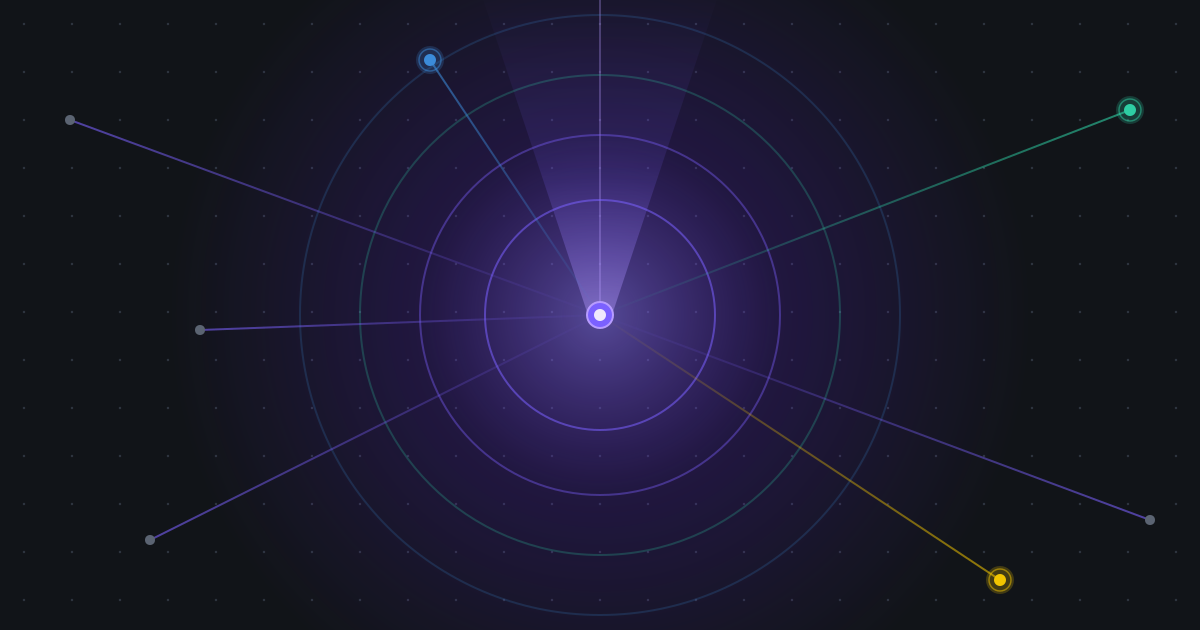
Lighthouse nodes are Nebula’s answer to this problem: hosts that manage an “address book” across your network. Every node connects to each lighthouse on the network, and routinely tells them about every IP address that can be used to reach it. So, when 100.100.0.10 wants to connect to 100.100.0.20, it first asks its lighthouses where 100.100.0.20 is located on the underlay network (e.g. the Internet).
Since 100.100.0.20 is also reporting addresses to the lighthouses, any lighthouse on the network can reply with 100.100.0.20’s underlay addresses, and even ask it to prime the connection through NAT hole punching (a topic for another day).
While lighthouses help you learn where a node is on the Internet, and are used to signal NAT hole punching, some nodes just can’t form direct connections. This is usually due to carrier-grade NAT, restrictive firewall configurations, or just plain network misconfigurations.
To support these scenarios, we introduced relaying in Nebula v1.6.0. Any host on the Nebula network can be configured as a relay, and hosts can advertise their support for relayed connections with the lighthouse. Relays can never read the traffic they are passing between nodes, because it is encrypted end-to-end.
While we suggest users configure dedicated relays, separate from their lighthouses, to avoid overloading their lighthouses with relay traffic, we also recognize that many smaller networks are well-served by lighthouses that double as relays. This is why in DN Managed Nebula, lighthouses act as relays by default, until you add dedicated relays—and this includes managed lighthouses!
Sound complicated? Maybe a little, so here’s the takeaway: you no longer need to add a lighthouse and relay to start using Managed Nebula. We’ll provide the infrastructure, you bring your hosts.
At Defined, we take the security and availability of your network very seriously. So when we first launched, we asked you to run your own lighthouse. This way, if you ran into any networking hiccups with hosts reaching the lighthouse, you would have visibility into the issues, as well as the ability to resolve them in real time.
However, users kept asking: “why do I have to set up a lighthouse? how many should I run? how should I size them?” And the honest answer to these questions is: you shouldn’t have to think about it! After four years of running Defined Networking’s control plane without breaking a sweat, we’re confident we can run and scale your lighthouses too.
This is why a free, managed lighthouse is now part of any new DN Managed Nebula network. Still prefer to own your availability story? No problem: add your own lighthouse (and optionally a dedicated relay), and disable the managed lighthouse flag on your network—we’ll remove the lighthouse instantly and you’re back in full control. You can also run both managed and self-hosted lighthouses in parallel for a bulletproof network.
And a note on the security of your network: Managed lighthouses get assigned an IPv6 address outside of your Nebula network’s IPv6 CIDR range. While Nebula is still able to use these hosts for lighthouse and relay traffic, it will never accept layer 3 traffic directly from these addresses (e.g. pings, TCP or UDP) and you may see a warning in your logs to this effect. This is by design, to ensure that managed lighthouses can never send real traffic on your network. :-)
Managed lighthouses are assigned an IPv6 address only, so you will need a dual-stack network (IPv6+IPv4). All new networks are dual-stack and will be assigned a managed lighthouse by default. For an existing dual-stack network, you can enable managed lighthouses in the “Edit network” page.
If you are on a legacy IPv4-only network, please reach out to us directly and we’ll help you upgrade. Please note, you will need to update your hosts to DNClient v0.9.3 or later before upgrading your network.
That’s it. We’re really excited about this feature and hope you are too. Please take it for a spin, and let us know what you think! Our inbox is always open.
Mobile Nebula v0.10.0 brings Always On support, custom DNS resolvers, full config imports, and inbound firewall rules to Android and iOS.
Nebula v1.10.0 is here with IPv6 overlay support, multiple Nebula IPs per host, a new certificate format, and more.
As AI spending races toward $2.5 trillion, the network connecting it all has become the weakest link. Here's how zero-trust overlay networking addresses the security and connectivity challenges of distributed AI infrastructure.
Connectivity that just works. Connect up to 100 devices free, no credit card required.