How teams use Managed Nebula
One encrypted network for everything from a few laptops to global fleets
Remote access
Reach internal apps, servers, and databases from anywhere, without a VPN.
Learn more →Drop-in encryption
Encrypt every connection between your hosts by default, with no per-app TLS.
Learn more →Multi-cloud deployment
Connect hosts in any cloud, region, or data center on one private network.
Learn more →IoT and fleet telematics
Reach every device securely as it moves across LTE, 5G, and Wi-Fi.
Learn more →NAT traversal
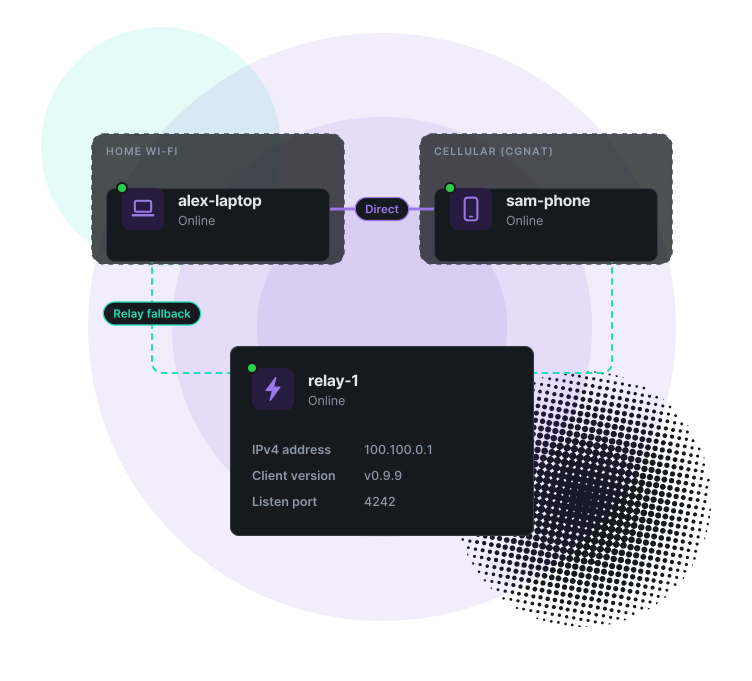
Direct tunnels between hosts, no port forwarding
- Hole punching gets through most home and office NAT
- Works on cellular and other CGNAT networks
- Falls back to an encrypted relay when no direct path exists
- Runs near line speed on most x86 Linux hosts
When is a connection relayed? Typically when both sides sit behind hard NAT, such as CGNAT or symmetric NAT. Relays forward encrypted packets and can't read them.
Single sign-on
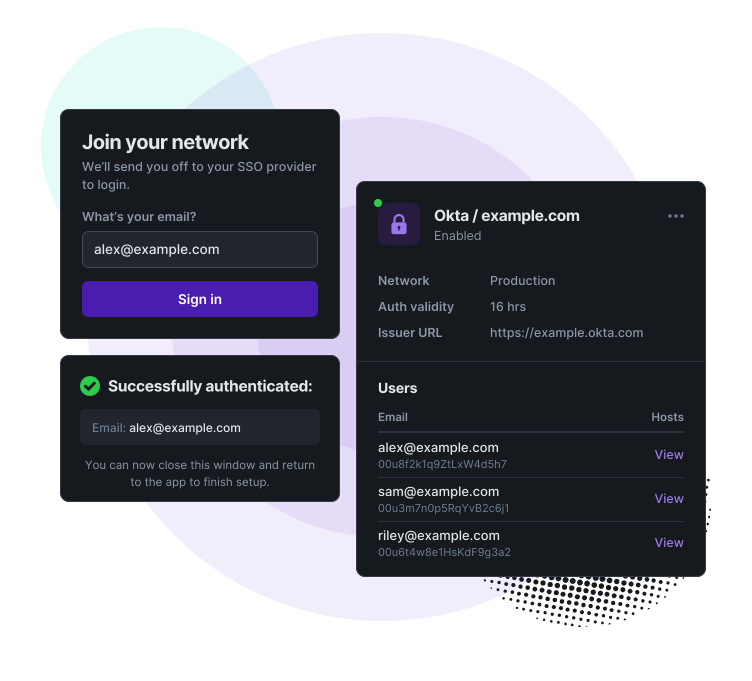
SSO with the identity provider you already use
- Use Okta, Google, Microsoft Entra ID, or any OIDC provider
- Endpoints get their role automatically when they enroll
- Access ends when sign-in expires, or block a host at any time
- Admins sign in to the admin panel with SSO too
Least privilege
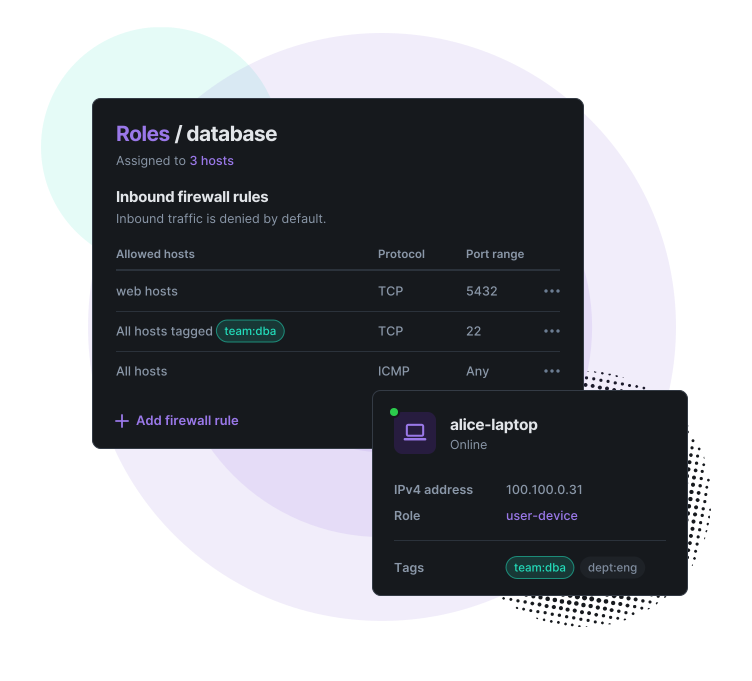
Only the access each host needs, without the VPN
- Every connection is mutually authenticated with certificates
- Inbound traffic is denied by default; rules allow by role and tag
- Hosts need no open inbound ports or port forwards
- Encrypted with the Noise Protocol Framework
Fully managed
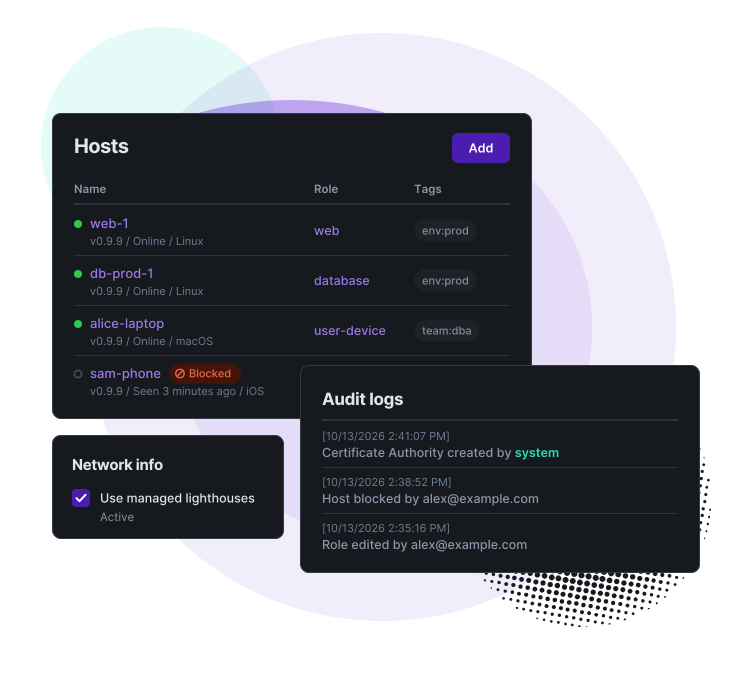
All of Nebula, none of the upkeep
- We run your CA and rotate certificates automatically
- A managed lighthouse is included, or run your own
- Config and firewall changes reach hosts within a minute
- Audit logs show who changed what, and when
Latest from our blog
Product updates, technical deep dives, and networking insights



Connectivity that just works. Get set up in minutes and connect your first 100 devices free, no credit card required.